How I Use Tailscale to Run My Business From Anywhere in the Mountains
I live at almost 10,000 feet in Fairplay, Colorado. I run a mobile IT business covering mountain towns from Alma to Breckenridge to Leadville. I've got computers on different networks in my house, a VPS in Los Angeles, and a phone that needs to reach all of it from wherever I happen to be, which is usually somewhere with spotty cell service between two mountain passes.
That all works because of Tailscale. And honestly, it's one of those tools that once you set it up, you wonder how you ever lived without it.
What Tailscale Actually Is
Tailscale is a mesh VPN. If that means nothing to you, here's the short version: it creates a private, encrypted network between all your devices, no matter where they are. Your laptop at home, your phone in the car, a server in a datacenter: they all see each other like they're on the same local network.
What makes it different from a traditional VPN is there's no central server everything has to funnel through. Each device talks directly to the others, peer-to-peer, encrypted with WireGuard. That means it's fast. Really fast. No bottleneck, no single point of failure, and no monthly VPN subscription where you're paying to route all your traffic through someone else's infrastructure.
If you've ever used Tor, you know what encrypted routing feels like when it's slow. Bouncing through multiple relays is great for anonymity but streaming music or video through it is painful. Tailscale gives you that same encrypted tunnel concept but peer-to-peer and over WireGuard, so there's basically zero overhead. I stream media from my home server over Tailscale without buffering. Tor has its place. I actually run some services over .onion. But for day-to-day stuff where you want privacy and speed, Tailscale is a completely different experience.
You install it, sign in, and your devices are on a private network with addresses in the 100.x.x.x range. That's it. I'm not exaggerating. The setup takes about two minutes per device.
How I Actually Use It Every Day
I use Tailscale constantly. It touches almost every part of how I work.
Accessing my dev machine remotely. I have a dedicated Linux box at home running Docker containers: my workflow automation, a local AI chat interface, a privacy-focused search engine, and my website's development environment. When I'm out on a service call or sitting in a parking lot in Breckenridge waiting for a client to call back, I SSH into that machine over Tailscale like I'm sitting right in front of it. No port forwarding, no opening anything up to the public internet, no dynamic DNS headaches.
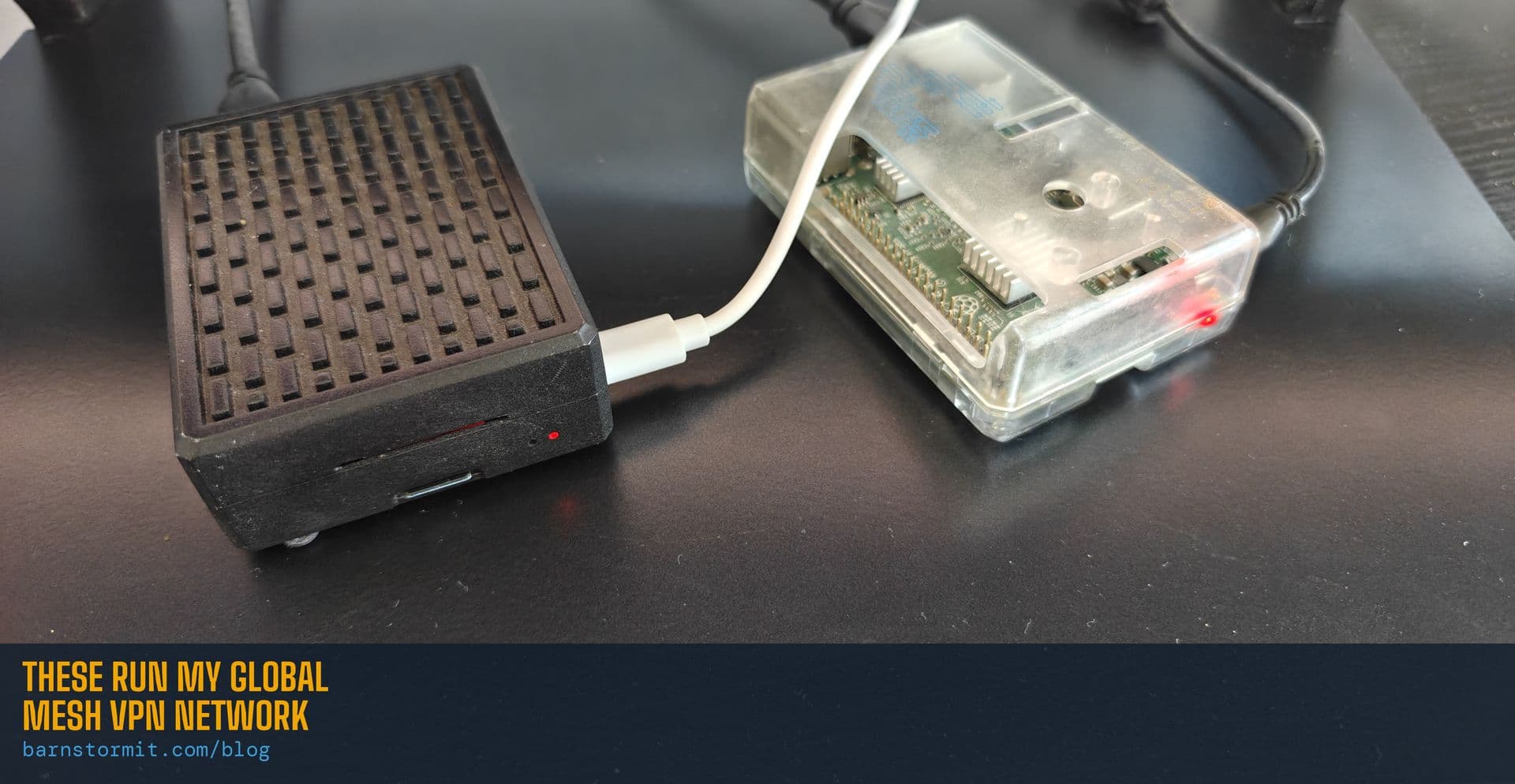
Running my own DNS everywhere. I've got a Raspberry Pi 4 running AdGuard Home as my DNS server. It blocks ads and trackers at the network level for every device in my house. Tailscale lets me set that Pi as the DNS server for every device on my mesh and run it as a subnet router. So my phone gets the same ad blocking and privacy protection whether I'm at home, at a coffee shop in Frisco, or driving through Hoosier Pass. Same DNS, everywhere. No third-party ad-blocker app needed.
Exit nodes. This is one of my favorite features. I can designate any device on my Tailscale network as an exit node, meaning I can route all my internet traffic through that device. When I'm on public WiFi at a coffee shop or a client's guest network, I flip my exit node to my home Pi, and all my traffic goes through my own network first. I'm not trusting whatever random router I'm connected to. My traffic is encrypted through my own infrastructure before it ever hits the open internet. And since it's routing through the same Pi running AdGuard Home, I get full ad and tracker blocking on top of it. No extra apps, no browser extensions, just clean traffic everywhere I go.
You could use this overseas too. Flip the exit node on from another country and as far as the internet is concerned, you're sitting at home on your own ISP. Banking, streaming, whatever: no geo-blocks, no fraud alerts from your bank freaking out about a foreign IP. Just your home IP from the other side of the planet.
Bridging networks I can't otherwise reach. I have devices on my main home network and other devices isolated on a separate guest WiFi network for security reasons. Without Tailscale, those two networks can't talk to each other. That's by design. But Tailscale tunnels right through that isolation. My main workstation can reach my automation server on the guest network without any firewall rules or router configuration. The networks stay isolated from each other at the router level, but my specific devices can communicate securely through the Tailscale mesh. And if I want to lock it down further, I use ACLs to control exactly which devices can talk to which, and on which ports. So my automation box can reach my GPU server on one specific port, but nothing else. Tight.
Remote support for my own machines. I use a self-hosted remote desktop tool for client support, but I also use it on my own machines. Tailscale means I can RDP or remote into any of my own computers from anywhere without exposing any ports to the internet. The connection goes over the Tailscale mesh, encrypted, direct, and fast.
The Bigger Picture: Sovereign Computing
Most people don't think about this, but every time you use Google Drive, iCloud, or Dropbox, your files live on someone else's computer. Every time you use a commercial VPN, your traffic routes through someone else's server. Every time you use a password manager that syncs to "the cloud," your credentials sit in someone else's infrastructure.
That might be fine for a lot of people. But it doesn't have to be that way.
I've been on a slow but deliberate path toward what some people call sovereign computing: basically, owning your own digital infrastructure instead of renting it from big tech. I self-host my own password manager. I run my own cloud storage. I run my own DNS. I'm working on replacing Google search with a self-hosted, privacy-focused alternative. My goal is to get to a point where I control as much of my own data and digital life as possible.
Tailscale is what holds all of that together. Without it, self-hosting is a pain. You'd need to set up port forwarding, deal with dynamic IP addresses, poke holes in your firewall, worry about DDoS attacks on exposed services. With Tailscale, none of that matters. Your services stay completely private, only accessible to your own devices, and you can reach them from anywhere.
I'm not paranoid about it. I just like owning my stuff. Convenience and control aren't mutually exclusive. It just takes a little effort to set up.
Is Tailscale Hard to Set Up?
Nope. That's what got me hooked on it in the first place.
Go to tailscale.com, create an account (there's a generous free tier), download the app on your devices, and sign in. Your devices show up on your private network immediately. For most people, that's all you need.
If you want to get fancier, like running your own DNS, advertising subnet routes, or setting up exit nodes, there's more configuration involved, but none of it requires a networking degree. Tailscale's documentation is some of the best I've seen from any tech company, and the community is active and helpful.
The one thing I'd recommend if you're self-hosting anything: set up Access Control Lists (ACLs). These let you define exactly which devices can talk to which other devices and on which ports. It's a security layer that keeps your network tight even as you add more machines.
What I'd Recommend for Different People
If you're a remote worker who sometimes uses coffee shop WiFi or hotel networks, set up Tailscale with an exit node at home. All your traffic goes through your home internet instead of whatever sketchy network you're on. Free tier covers this.
If you have a NAS, security cameras, or a media server at home and you want to access them from anywhere without opening ports, Tailscale gives you secure access without the security risk.
If you're running a small business and need to connect office devices across locations, or you're a solo operator like me who works from everywhere, Tailscale replaces what would otherwise be an expensive and complicated site-to-site VPN.
If you're interested in self-hosting and degoogling your life, Tailscale is basically a prerequisite. It's the thing that makes private infrastructure actually usable day-to-day instead of just a fun experiment you access from one computer.
What's Next
This is the first in a series of posts about the tools and infrastructure I use to run my business and take control of my own tech. Coming up:
- AdGuard Home on a Raspberry Pi: ad blocking and DNS privacy for your whole network. A Pi 4, case, power supply, and high-endurance SD card will run you $100-150 right now thanks to AI-driven DRAM prices, but it replaces services you'd pay monthly for
- Self-hosting with StartOS: running your own cloud storage, password manager, and more on a mini PC on your shelf at home
- SearXNG: replacing Google search with something that doesn't track you
- 3D printing custom PC cases: because sometimes the right enclosure doesn't exist yet
If any of this sounds interesting, I'm planning to write setup guides for all of it, step by step, no fluff. If you'd rather not DIY it, that's literally what I do. I can set any of this up for you, walk you through it, or point you in the right direction. Let me know what kind of content you want to see. I'm building this blog based on what people actually want to learn.
Give me a call at (719) 838-0435 or check out barnstormit.com for more about what I offer.
Jeff Barnstorf is the owner of Barnstorm Computer Services, a mobile IT support company based in Fairplay, CO, serving the mountain communities of Park, Summit, Lake, and Chaffee counties.
Need help with something mentioned in this post?
Call (719) 838-0435